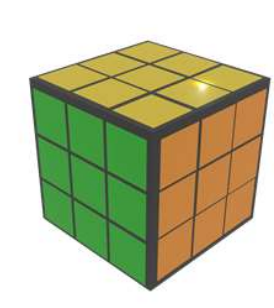
Multiple formats
Imports structured data from proprietary RDMS, CSV, XML and JSON, handling them under a single exploration model.
 R&D Prototypes
HyperRelational handles structured data in several formats — proprietary RDMS, CSV, XML and JSON — and provides data and metadata exploration options drawn from geometric visualization properties.
A spreadsheet is a flat object: each cell only makes sense from a row header (the primary key) and a column header. Joining two tables with a join keeps everything on the same plane — exactly what limits understanding.
The master/detail arrangement, on the contrary, keeps each table on a different plane. Thus, data organized by the entity-relationship model forms a 3D cube — and HyperRelational also handles metadata to discover new ways of joining information across the entire collection.
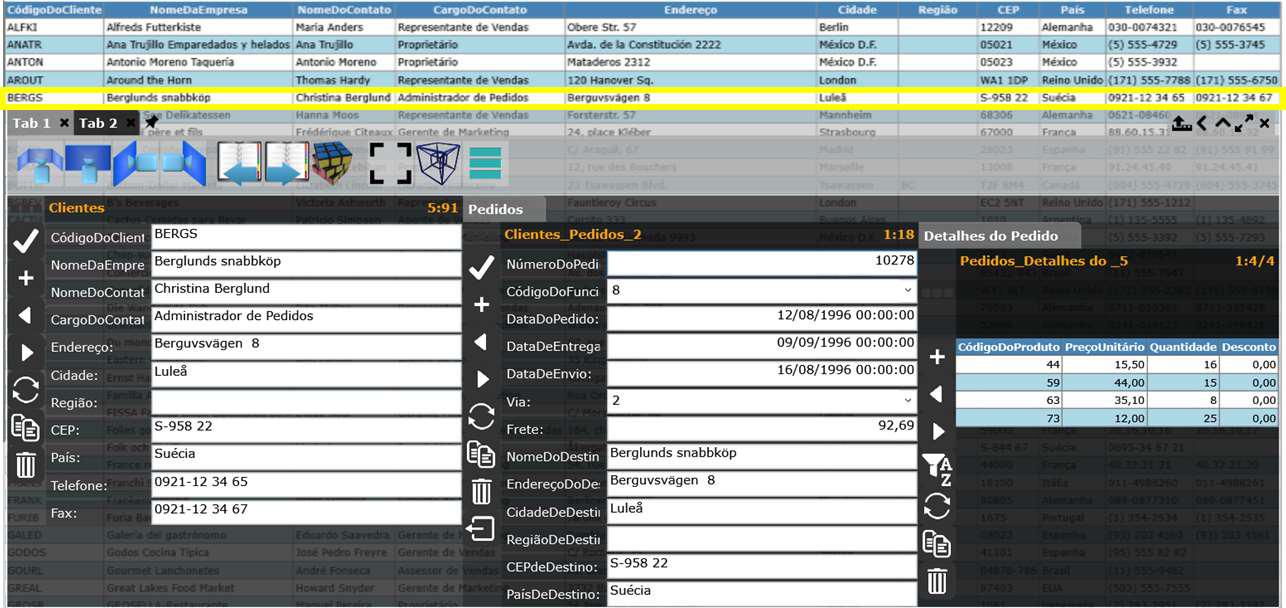
Complementary ways of visualizing structured data, drawn from geometric properties.
Imports structured data from proprietary RDMS, CSV, XML and JSON, handling them under a single exploration model.
Switches between the grid table and the master/detail form, choosing the ideal depth level for each query.
Maps the entity-relationship model to a 3D cube, preserving the spatial relations between tables.
Uses the collection's metadata to discover new ways of joining information across different tables.
Why join flattens the data — and how master/detail organizes it in depth.
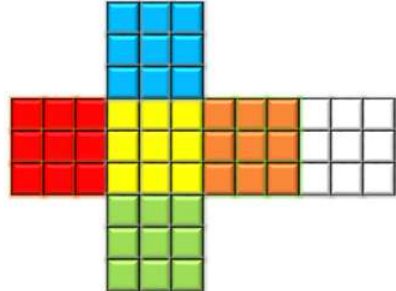
join keeps all data on the same plane, like an open cube.